Exploring a Parallel Universe
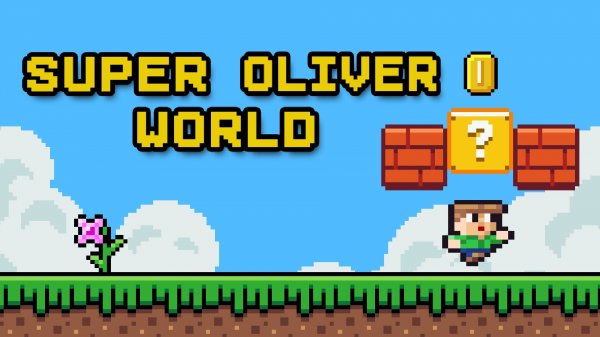
Oliver's Parallel Quest Adventure places players in a cheerful parallel world built from distinct visual themes. Lush green fields give way to mysterious caverns, each area carrying its own palette and animated details. The art style stays simple and warm, which helps younger players track on-screen action while still offering enough environmental variety to hold older players' attention. Small moving elements in the background add life without pulling focus from the platforms ahead. [IMG_1]
Running, Jumping, and Breaking Blocks
Players control Oliver using either keyboard keys or on-screen buttons, and the scheme works on both desktop and mobile browsers. The core loop involves running across platforms, jumping over gaps, and striking blocks that may hold helpful items. Controls respond quickly, so newcomers can start moving within seconds, yet the precision is there for players who want to chain jumps and plan routes through tighter sections. As stages progress, timing and route planning matter more than raw speed. [IMG_2]
Coins, Power-Ups, and Replay Value
Coins and special items appear throughout each stage. Coins serve as a scoring mechanism and may unlock additional content or bonuses. Some blocks break open to reveal extra lives or temporary speed boosts, which help when navigating trickier passages. Because certain items sit in less obvious spots, thorough exploration pays off. This collection system gives players a reason to revisit levels and hunt for anything they missed the first time.
Difficulty That Welcomes Families
The challenge rises gradually. Early levels stick to basic jumping and platforming, while later stages introduce new obstacles and enemy patterns that demand closer observation and more precise timing. Checkpoints appear at reasonable intervals, so mistakes lead to manageable setbacks rather than long replays. The game avoids punishing spikes, which keeps it suitable for family sessions and for casual players who want a bit more challenge without frustration.
Compatibility
▸ Desktop: Chrome / Edge / Firefox / Safari
▸ Mobile: iOS Safari / Android Chrome
▸ Tablet: iPadOS Safari / Android Tablet Browser
Keep your browser updated for the best experience









Editorial Notes